
 |


|
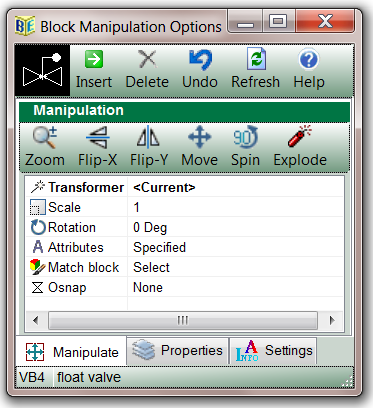
This module is displayed every time a block is inserted or x-referenced from Block Explorer. It enables immediate access to the following tools:
Click image to view details |
|
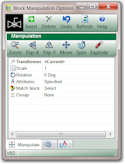
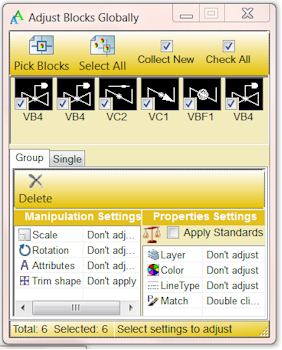
Tools to manipulate selected drawing blocks:
Click image to view details |
|
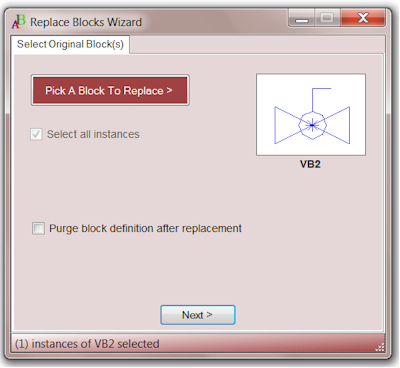
Replace selected instances of one block with another:
Click image to view details. |
|
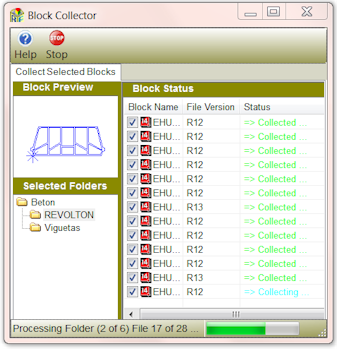
Collect blocks from any source and arrange them into block libraries Collect blocks from:
Click image to view details. |
|
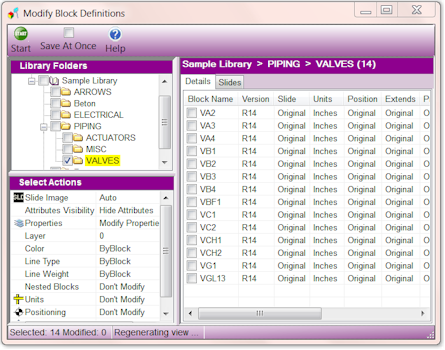
Provides user friendly interface to:
|
|
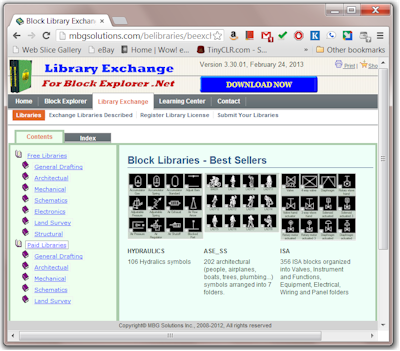
Website pages designated for marketing AutoCAD Block Libraries. It contains an extensive collection of block libraries subdivided into industry-specific categories. There are many free libraries and libraries that require license registration. Libraries are compact, portable are designed to work with Block Explorer .Net. For a complete list of available block libraries click image. |
|
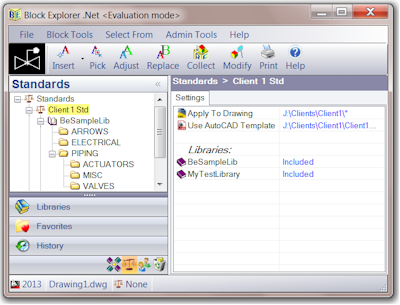
Configure block insert properties (layer, color and linetype) standards. Different configurations could be developed for each client / discipline. When a standard is assigned to a client drawing Block Explorer .Net will use it to automaticaly place a block being inserted on correct layer with appropriate color and linetype. Click image to view details. |
|
|
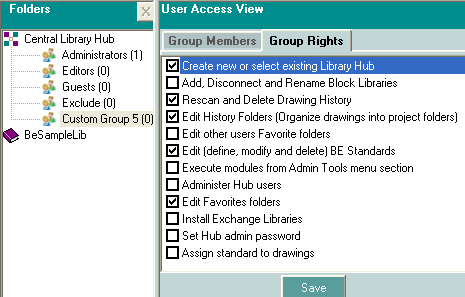
This interface controls access to Block Explorer administration tools and provides block library security Click image to view details. |
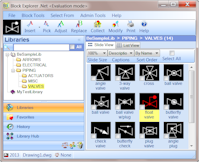
 Screen Pick - start using a block by "Picking" it from the drawing
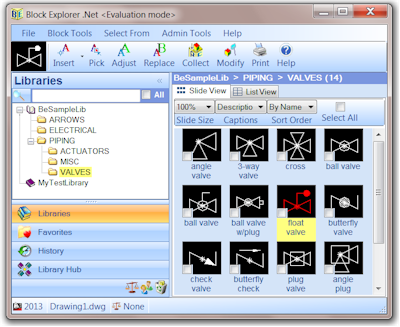
 Libraries - select a block by clicking
on its slide image in Slide View or block record in List View
Libraries - select a block by clicking
on its slide image in Slide View or block record in List View
 History - Block Explorer automatically saves references of used library blocks into drawing history. View and insert blocks from any drawing history
 Favorites - add any library folder to your Favorites. Selecting Favorites tab will display all your favorite folders
 Search by typing block's name, description or search pattern
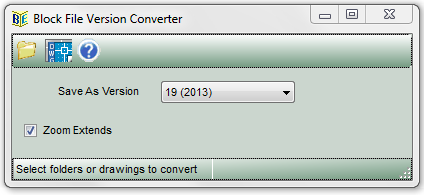
Convert library block files to any Dwg version to support clients using different CAD applications
Click image to view details.
Click image to view details.
Modern AutoCAD block library manager that works the way you want it to work
Click image to view details. |
|
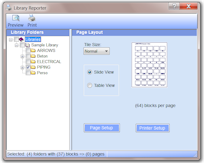
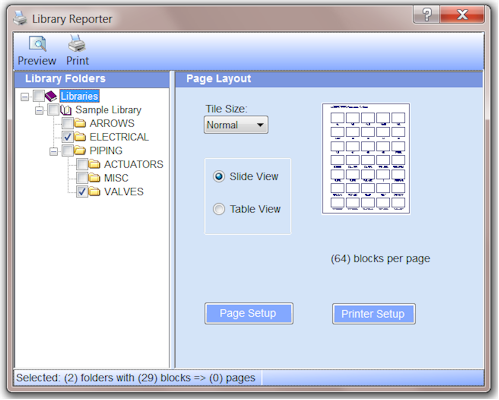
Print out contents of your block libraries |
|